01
Does organizing every trade take too long?
DCA Portfolio Tracker can use AI to recognize transaction details and prepare a draft. You still review and edit every field before saving it to your portfolio.
See how the app helpsPlan every contribution. Record every move. Review every change.
Manage DCA plans, trade records, and portfolio changes across global markets in one iPhone app. Keep an eye on plan execution and allocation gaps over time.
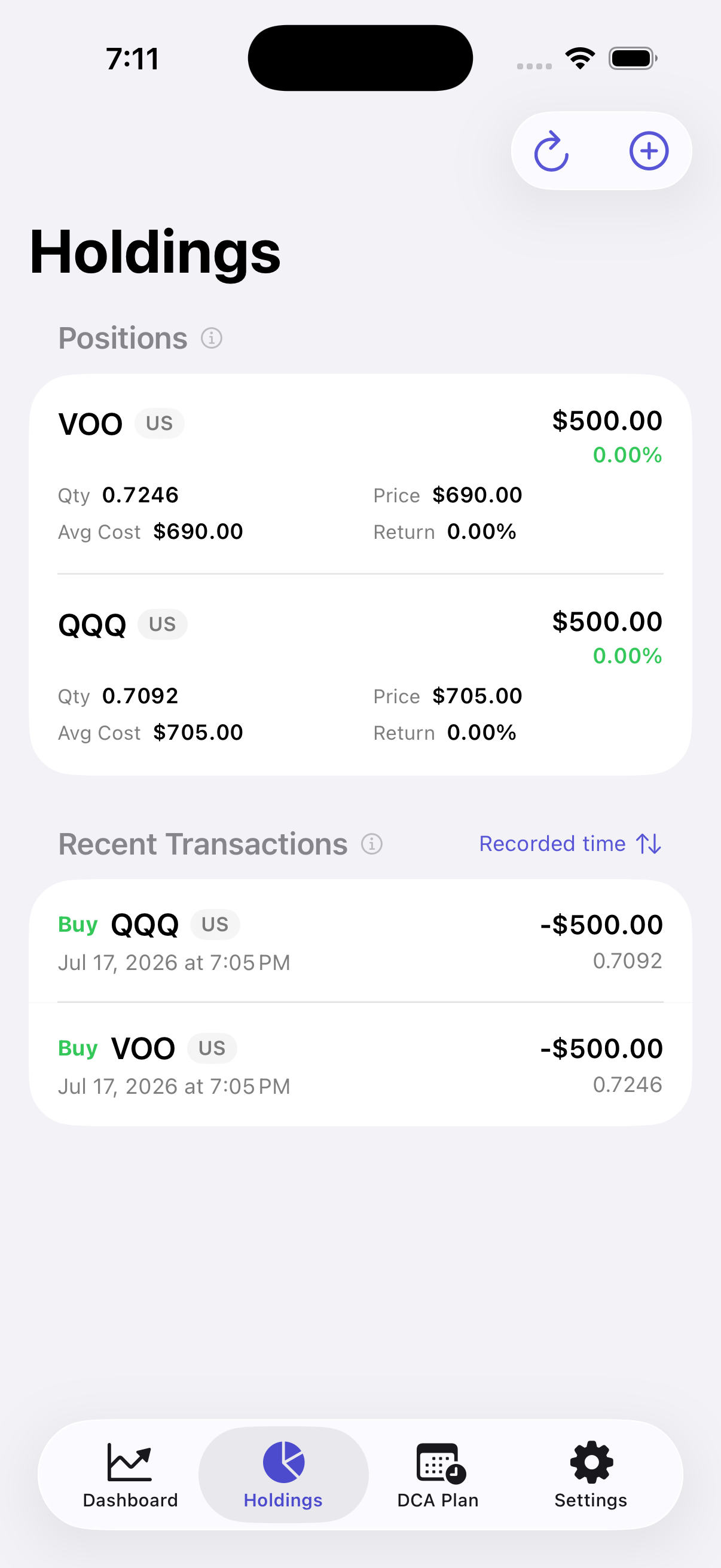
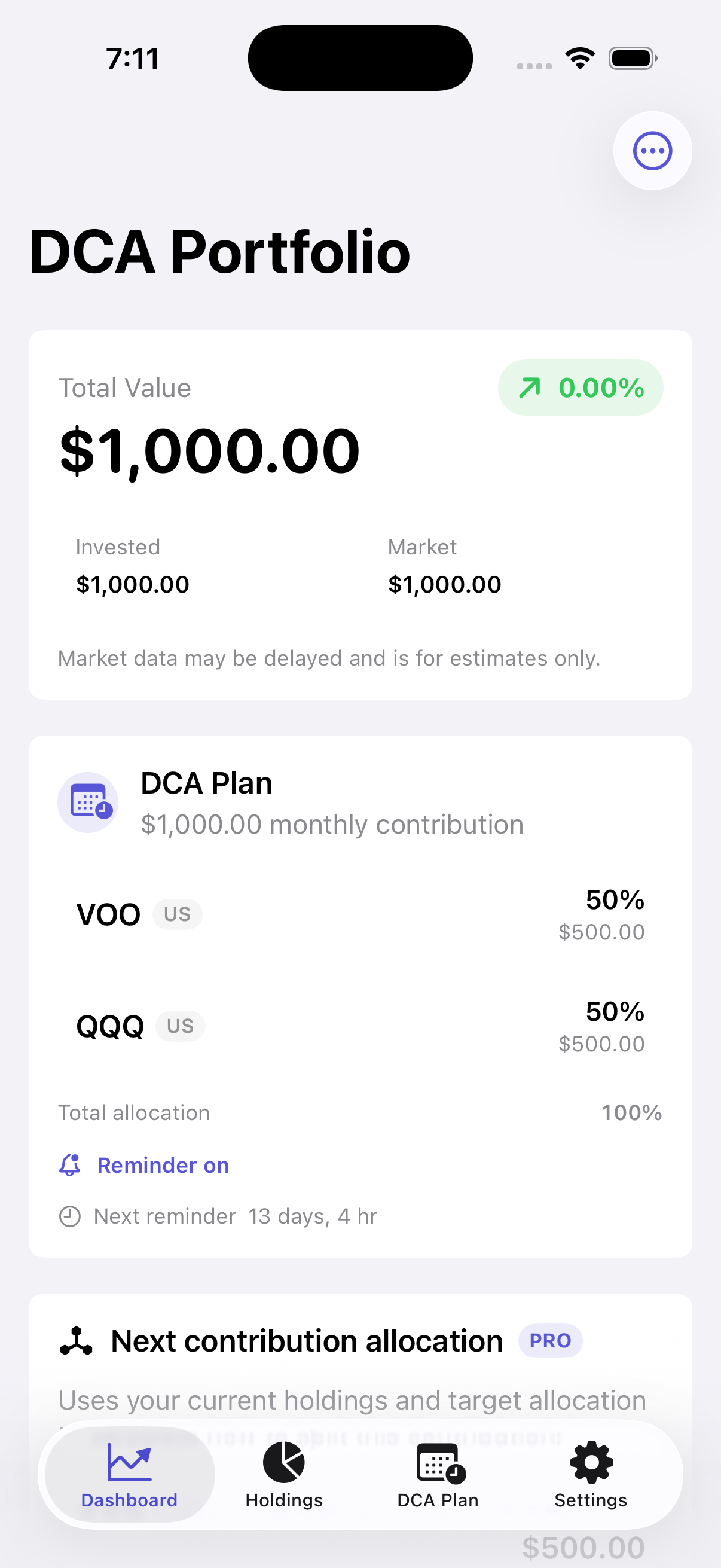
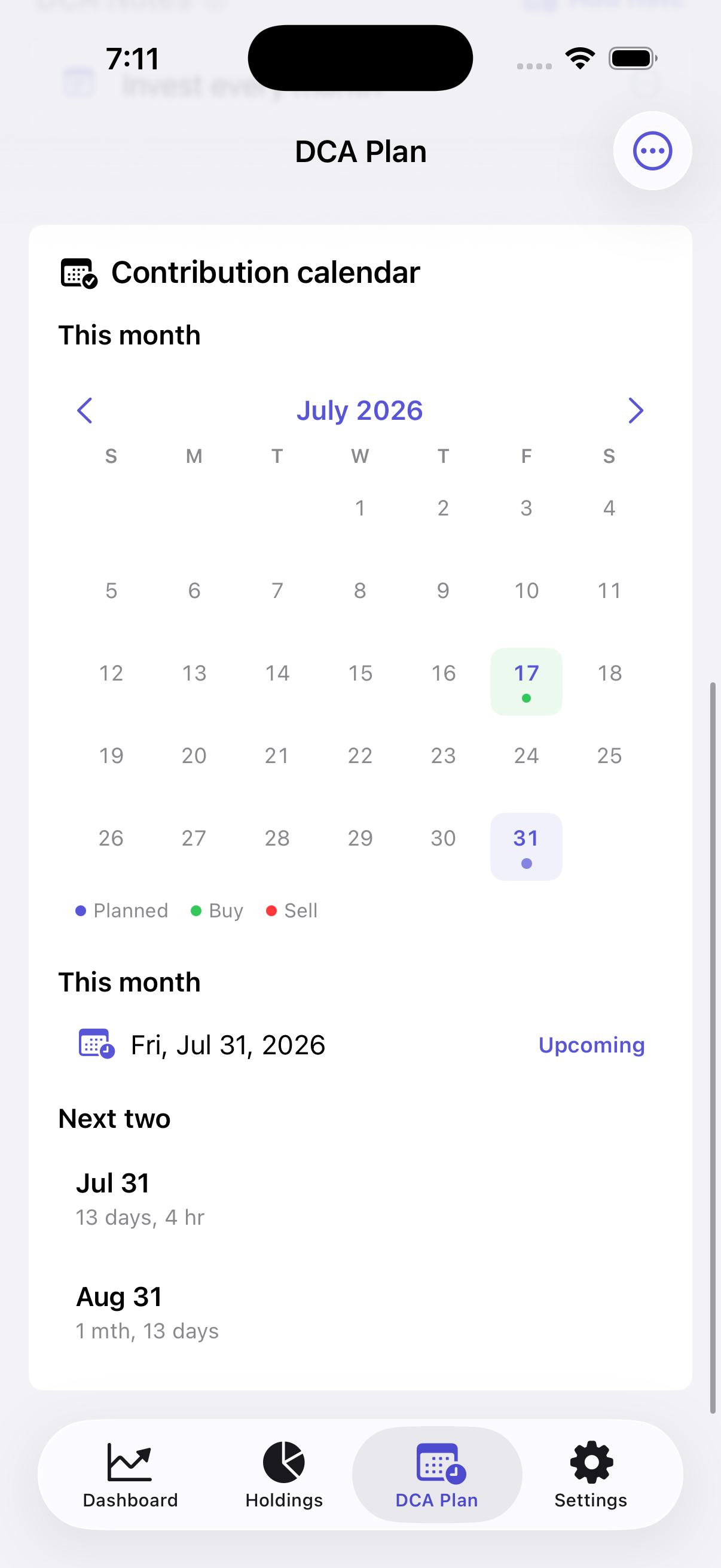
Starting a recurring investment plan is easy. The hard part is staying consistent and seeing how every contribution changes your portfolio over time.
DCA Portfolio Tracker can use AI to recognize transaction details and prepare a draft. You still review and edit every field before saving it to your portfolio.
See how the app helpsA stock can be up while its share of your portfolio moves away from your target. Review all holdings together to see the current percentage of each asset.
See how the app helpsThe amount, target split, and next date live in different places. A plan becomes difficult to follow when nothing keeps it together.
See how the app helpsHoldings across global stock markets can use different currencies. Manual conversion makes a simple total unnecessarily complicated.
See how the app helps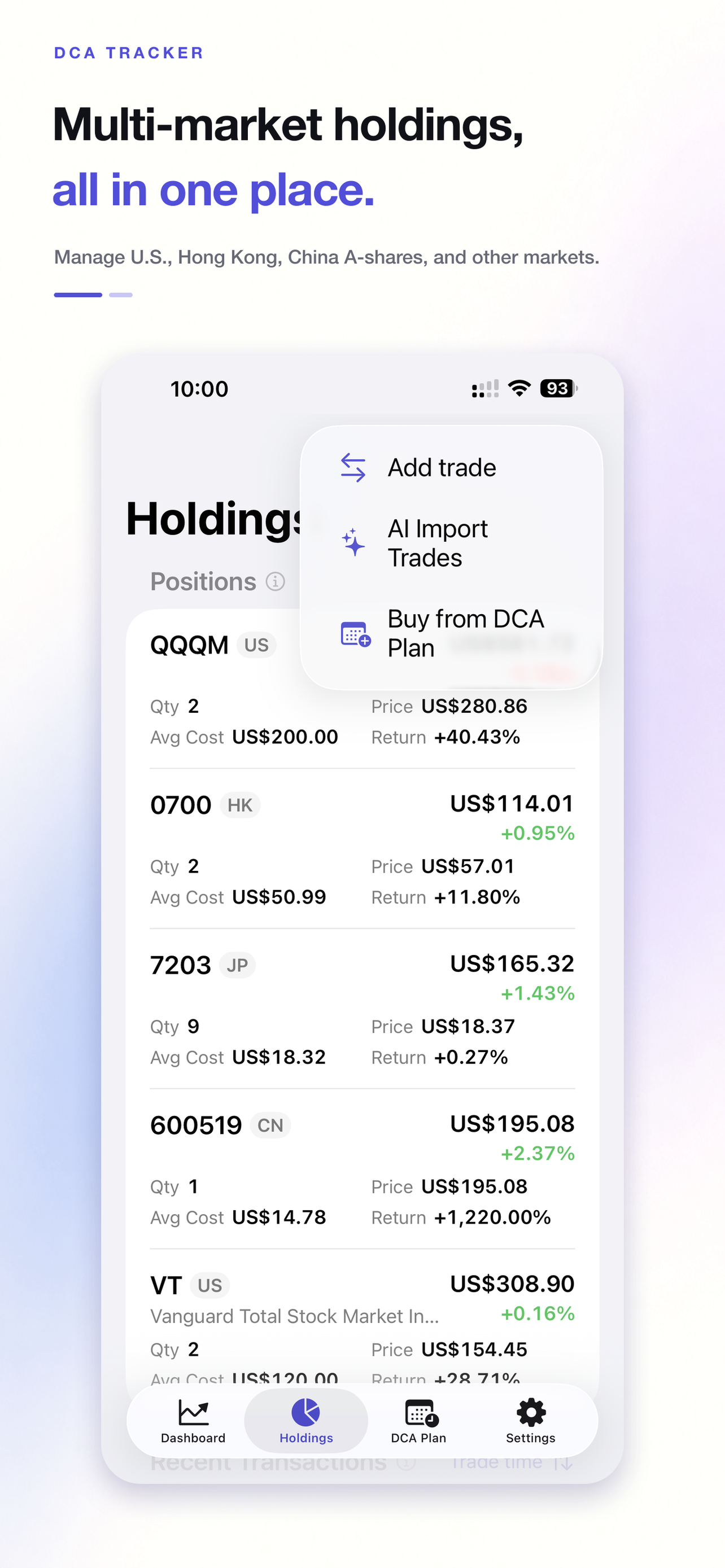
Choose how much to invest and how to split it. DCA Portfolio Tracker keeps the next dates visible, while Pro shows the gap between your target mix and current holdings as a reference.
VOOUS · 35% target
35%$35.01QQQMUS · 20% target
20%$20.01SOXXUS · 15% target
15%$15.00Other allocationsOther assets · 30% target
30%$30.01Keep each trade in its original currency and choose the currency used to display your holdings and portfolio total.
United StatesUSD · 2 holdings
$68,100.80Hong KongHKD · 1 holding
$18,960.20Free and Pro both support AI-assisted organization. The difference is where the workflow happens and how quickly it gets done.
For people who prefer manual records or use an external AI tool to organize information first.
For people who want to finish DCA plans and trade records faster without switching apps.
For people who want to finish DCA plans and trade records faster without switching apps.
No brokerage connection is required. Start with Free to record holdings, trades, and your recurring investment plan.
No. Add the holdings and trades you choose to track. Cash and dividend records are optional and can be turned on or off.
Free includes portfolio tracking, DCA planning, and AI-assisted transaction import. Pro adds portfolio data import and export plus allocation-gap references.
No. Reference prices and exchange rates may be delayed. The app helps you organize and review; it does not provide investment advice.
If you run into a problem or want a new feature, contact us by email or Xiaohongshu. We read every message.
Free includes holdings, trades, returns, and recurring investment plans. Upgrade to Pro only when you need data import and export or allocation-gap references.
 Reference pricing may be delayed. DCA Portfolio Tracker does not provide investment advice.